Take your position in the control tower. Guide arriving and departing aircraft, watch the radar and keep the airport running. This fan-made Windows reconstruction revisits the 1990s BAO Tower experience with a modern C#/.NET simulation engine.

YOU'RE IN CONTROL!
Issue clearances, monitor air traffic and take command of the runway.
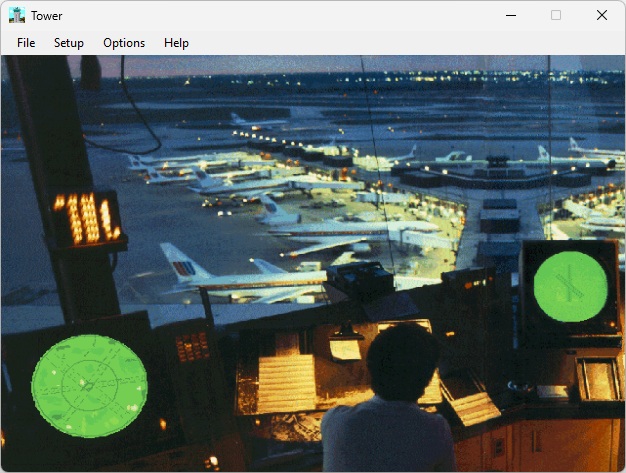
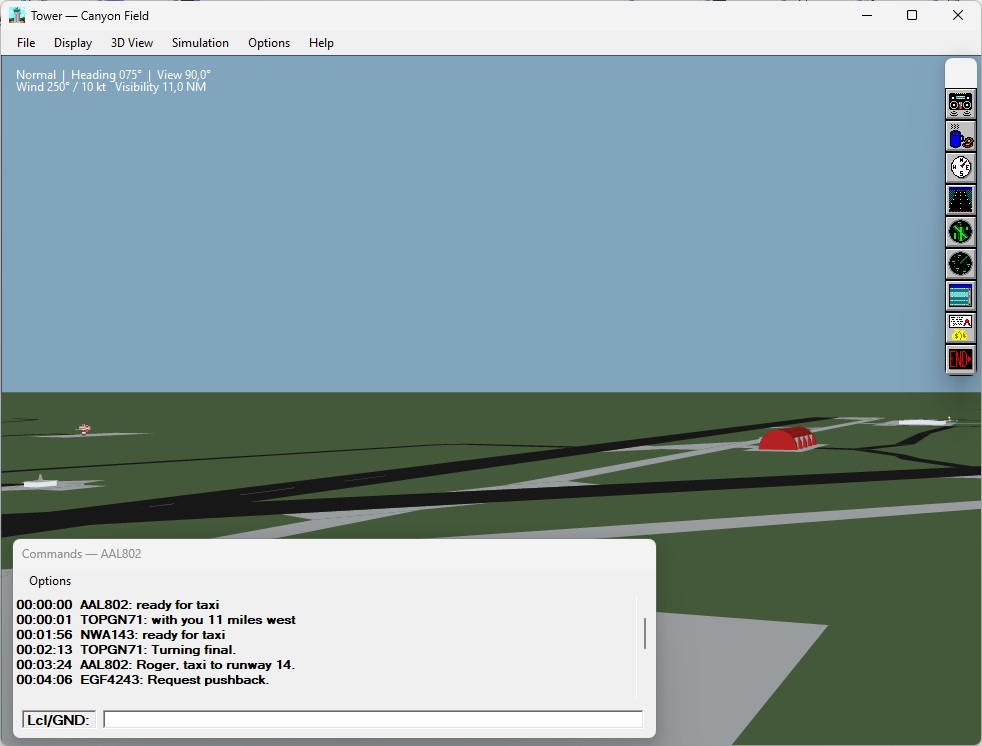
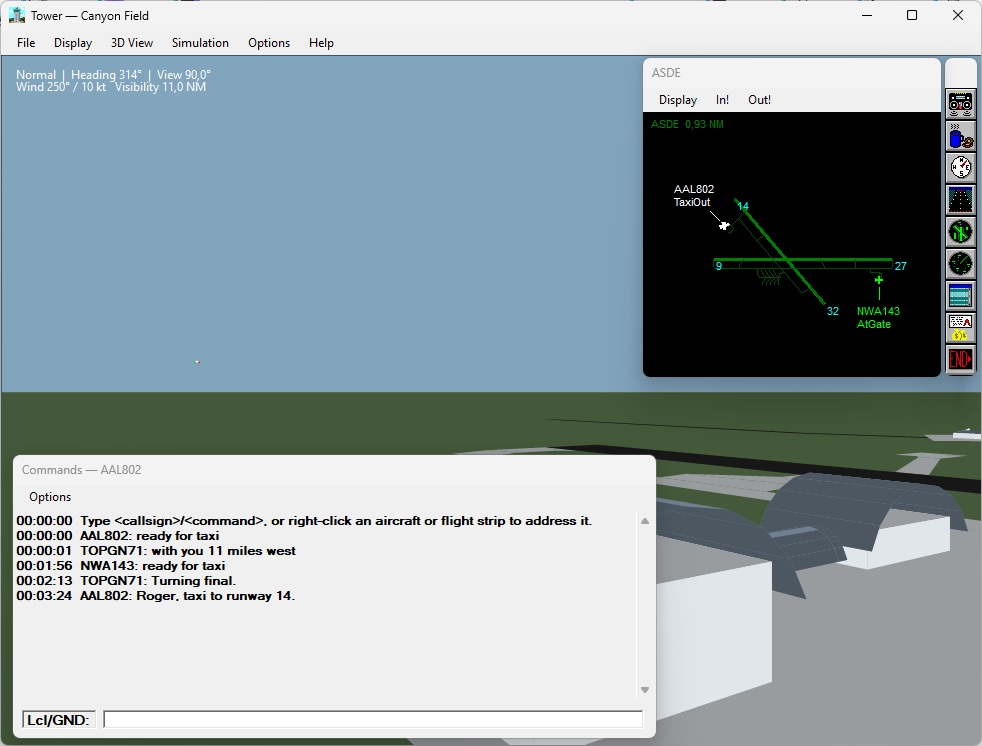
VIEW SCREENSHOTSScreenshot of the remake not the original program.
FEATURES
SCREENSHOT GALLERY
These are original BAO Tower reference screenshots. The new implementation is a reconstruction; its UI and individual visuals may differ.
RADIO COMMUNICATION IN TOWER
You're the controller. Every instruction counts. In classic TOWER, communicating with a pilot is done by typing a short command in the Communications window. The simulator turns those codes into clearances, requests and directions for individual aircraft. Pilot messages and your replies appear in the communications log.
HOW TO SEND A RADIO COMMAND
Type its full callsign, or select it by right-clicking a target in BRITE or ASDE, or its flight strip.
Put a / after the callsign, followed by the command code. Add a runway or heading when needed.
Check the command in the Lcl/Gnd: prompt and press Enter. Nothing is sent until then.
What it means: “American Airlines 1716, taxi to runway 27 Left.” The /T code means Taxi to; 27L is its runway. The slash can also be entered using the spacebar after the callsign in the original program.
TRY THE CLASSIC COMMANDS
Choose a category to see example messages. The green lines are commands you type; the descriptions explain their intended effect in the simulator.
AAL1716/T27LTaxi American Airlines 1716 to runway 27 Left.AAL1716/HS9Hold short of runway 9 while taxiing.AAL1716/TUResume taxiing after a hold instruction.GROUND CONTROL
Use /T to send an aircraft to a runway, /HS to hold short of a runway, /HY to stop in position, and /CT to clear a departure for takeoff.
AIR & APPROACH
Use /PLD to request a left-downwind report, /CL to clear an aircraft to land, /G to send it around, and /FD to hand a departure off.
RADIO REQUESTS
Ask a pilot to report altitude (/SA), heading (/SH), position (/SP) or repeat the last transmission (/SG).
GOOD TO KNOW
One aircraft, multiple commands: The original simulator accepts certain logical combinations, such as AAL265/B/FD (break out of traffic, then contact departure).
Correct a mistake: Backspace removes part of the unfinished input; Esc clears the command buffer. Press Enter only when the instruction is complete.
Plan before transmitting: Report downwind requests a position report, while Enter downwind directs the maneuver without the same report. Keep clearances appropriate to the flight phase and check runway conflicts.
DOWNLOADS
Work in progress. The historical reconstruction is being validated. Release availability is not guaranteed by this promotional page.
OPEN DOWNLOAD CENTER VIEW THE PROJECT ON GITHUB
Requires a supported Windows desktop environment; check the repository's release notes for actual runtime requirements and downloads.
ABOUT THIS PROJECT
A classic control tower experience, rebuilt for modern Windows. Discover how the original 1990s simulator inspired the new Sibra-Soft C#/.NET implementation — from the preserved Visual Basic 6 layouts to aircraft models, original scenery and radio communication.
The new TOWER is an independent fan reconstruction, not an official release of the original game.